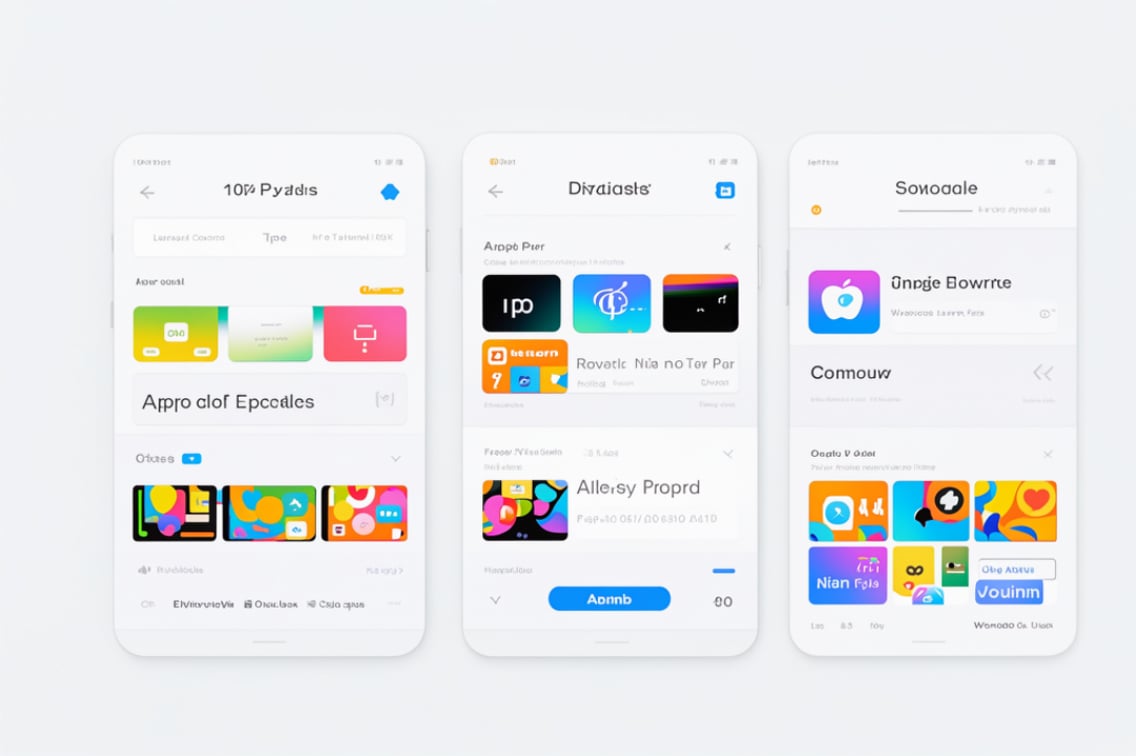
Subscribing to an App
1. Open the App Store
Launch the App Store app on your iPhone or iPad.
2. Find the App
Search for the app you wish to subscribe to.
3. Select Subscription
Open the app's page and select the subscription option.
Follow the prompts to choose a subscription plan.
4. Confirm Purchase
Confirm your purchase using Face ID, Touch ID, or your Apple ID password.
Unsubscribing from an App
1. Open Settings
Go to the Settings app on your device.
2. Access Subscriptions
Tap your name at the top to open your Apple ID settings.
Select Subscriptions.
3. Select the Subscription
Find and tap on the subscription you want to cancel.
4. Cancel Subscription
Tap Cancel Subscription and confirm your choice.
Detailed Instructions
Subscribing in Detail:
1. Open the App Store
Ensure you're signed in with your Apple ID.
2. Find and Select the App
Use the search function or browse to find the desired app.
3. Choose a Subscription
On the app's page, look for subscription options.
Tap on the subscription tier that suits you.
4. Confirm Subscription
The App Store will prompt you to confirm your subscription.
Use Face ID, Touch ID, or enter your Apple ID password to complete the process.
Unsubscribing in Detail:
1. Open Settings
Navigate to the Settings app on your device.
2. Go to Subscriptions
Tap your name at the top to access Apple ID settings.
Select Subscriptions to view all active and expired subscriptions.
3. Select the Subscription to Cancel
Locate the subscription you wish to cancel from the list.
Tap on the subscription to view details.
4. Cancel the Subscription
Tap Cancel Subscription at the bottom of the screen.
Follow the prompts to confirm the cancellation.
Notes
Cancellations are effective at the end of the current billing cycle.
Ensure you cancel 24 hours before the renewal date to avoid being charged.